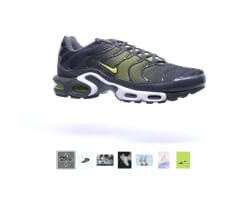
Show beautiful 3D models on your page
Engage and convert with interactive 3D, 360° views, videos and
zoomable images — all in one place
Sign up for free
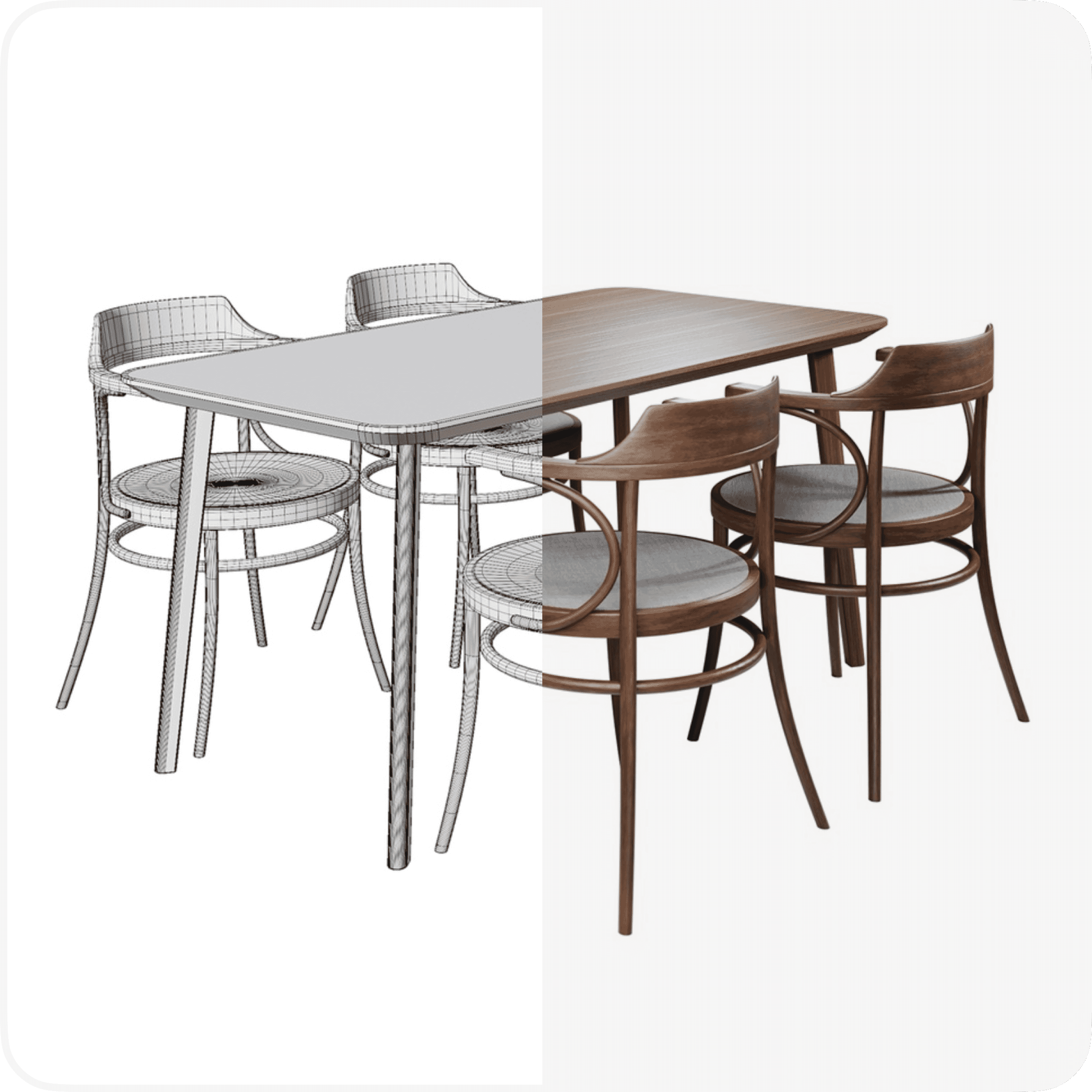
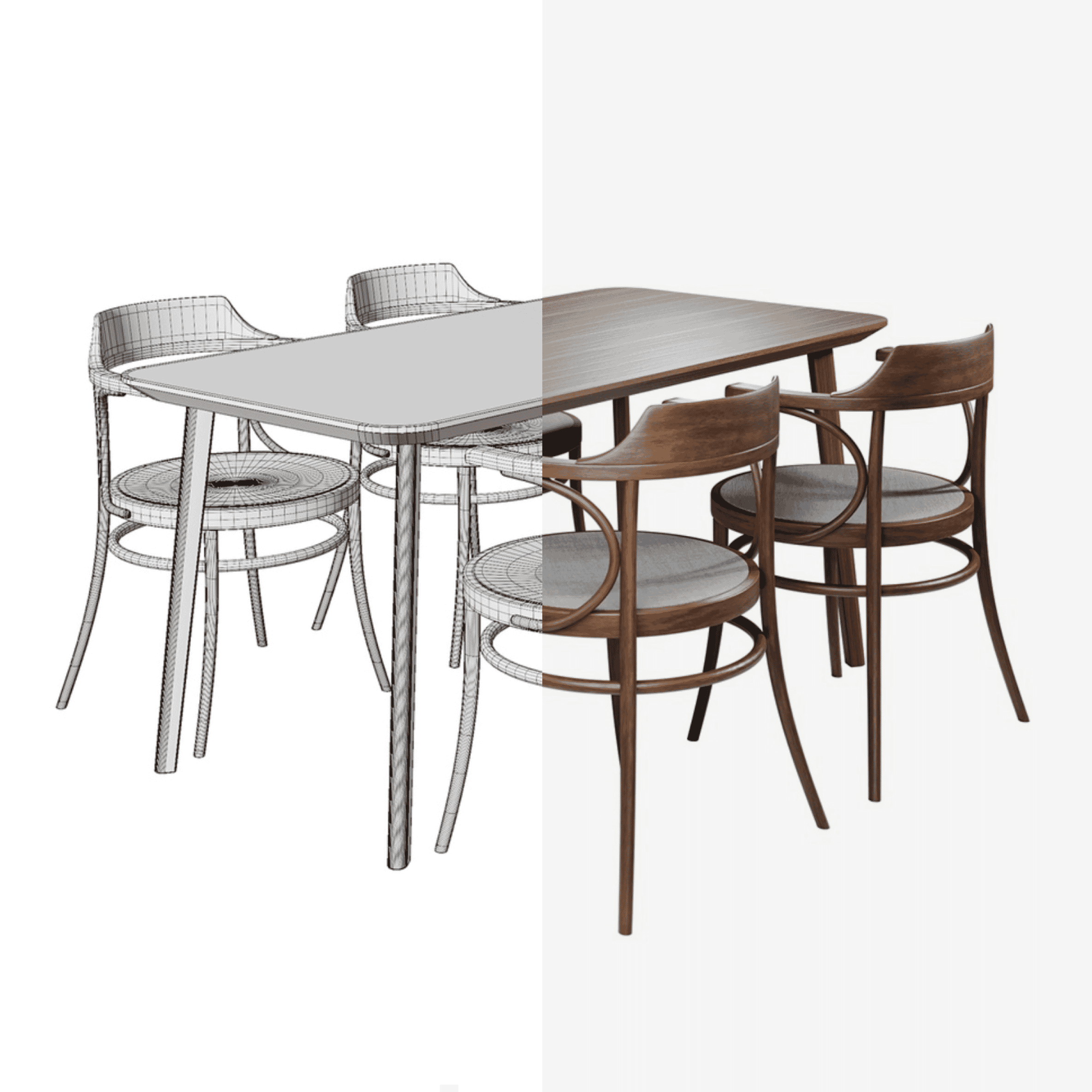
All your visuals unified
360° product views for a complete product understanding. Zoomable
images for detailed inspection. Videos and 3D models in a single
gallery for maximum engagement.
Easy to embed your 3D models
One product gallery to rule them all
Seamlessly integrate different media types to provide a holistic
view of your products.
Comprehensive media integration
Combine 360° views, high-resolution zoom and dynamic videos in a
single, sleek gallery.
For all kinds of products
Many industries now use 3D models in their workflow, to give users a realistic new product experience.
More demos
Architecture
Furniture
Toy model
Jewellery
Add augmented reality to your 360 spins
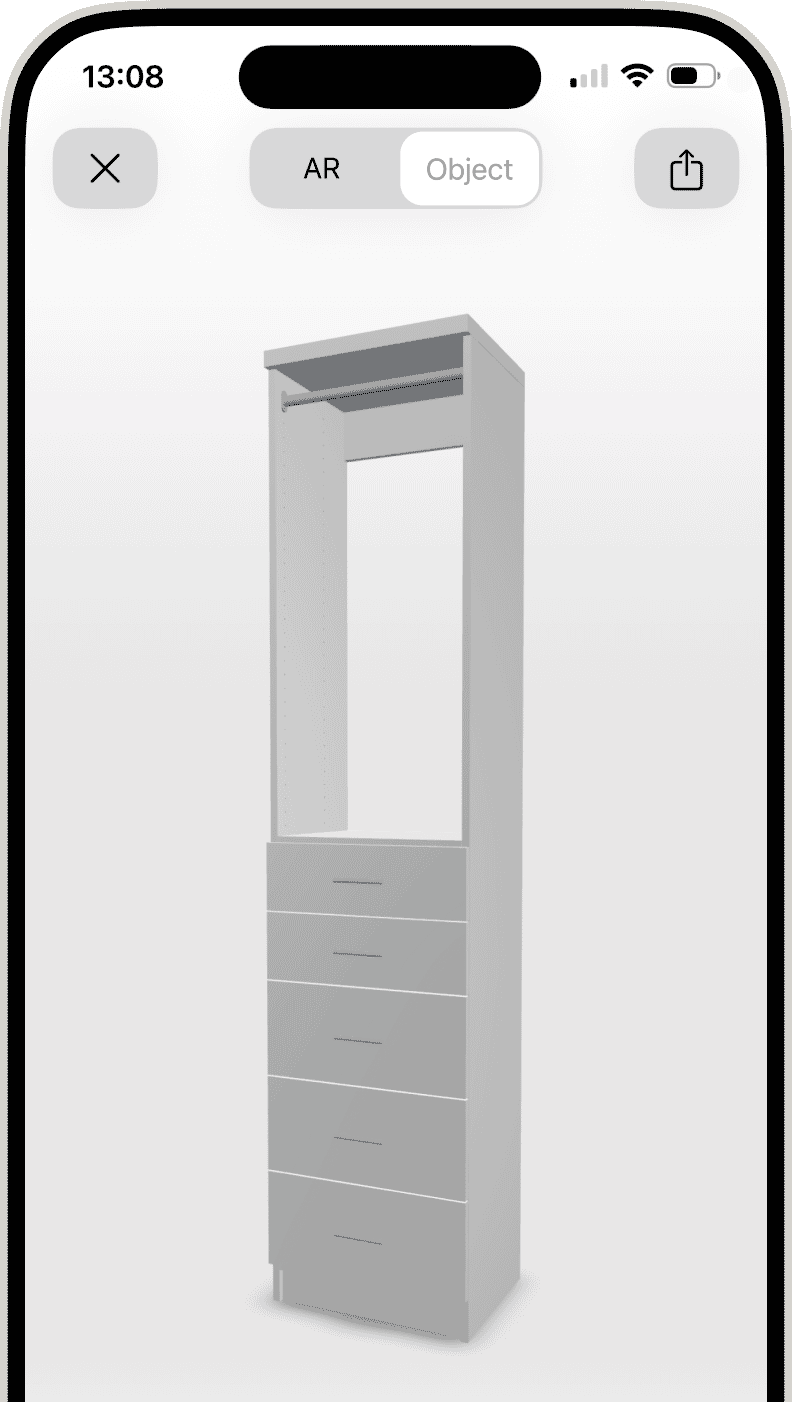

Add augmented reality to your 360 spins
Let your users view your product in their own room. If you have
GLB and/or USDZ files, display an AR button on mobile
devices.
Open this page on your phone/tablet or scan QR-code.
Open this page on your phone/tablet or scan QR-code.
Converting 3D to 360 spins
Overcome slow loading of big 3D model files by converting them
to 360 spins. Sirv can convert
.glb, .gltf, .usdz, .obj, .fbx, and
.blend files into 360 spins. These fast-loading
spins can be shown on any browser or device,
using Sirv’s interactive 360 degree product
viewer.
Learn more
Exceptional loading speed worldwide
Powered by Sirv’s global CDN, your 3D models and other assets will
load in the blink of an eye, anywhere on the planet.
Learn more about Sirv CDN

Global
Ensure your customers enjoy the same responsive experience
regardless of location.

Watch your metrics improve
Reduce bounce rates with superior performance and speed.
We’re ready to help
The Help Center will guide you in
customizing Sirv for your needs. For more help, email our
expert support team.
Does your team need help
creating a robust digital asset workflow? Arrange a talk with
a Sirv Specialist.

Easily embed 3D models in your website
Get started for free